
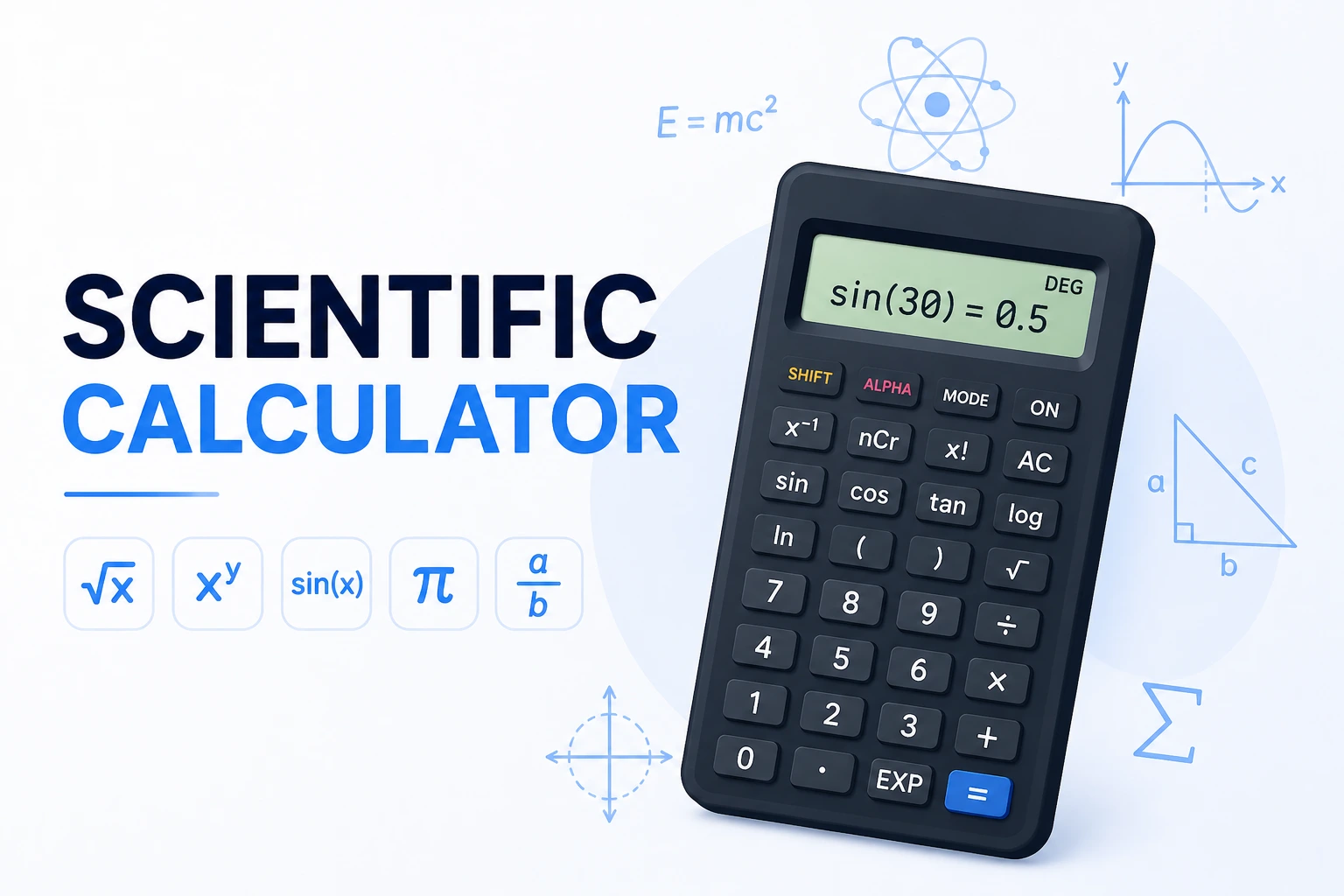
What Is a Scientific Calculator?
A scientific calculator handles the mathematical functions that a basic four-operation calculator can't: trigonometry (sin, cos, tan), logarithms (log, ln), powers and roots beyond square root, factorials, and mathematical constants like π and e. These functions come up constantly in physics, engineering, chemistry, statistics, and higher-level mathematics.
What separates a scientific calculator from a basic one is function depth and order-of-operations awareness. Enter 3 + 4 × 2 and you should get 11, not 14 — because multiplication happens before addition per standard mathematical convention (PEMDAS/BODMAS). This calculator follows that convention exactly, evaluating parentheses first, then exponents, then multiplication and division left-to-right, then addition and subtraction.
How to Use This Calculator
- DEG / RAD mode — toggle at the top. Use DEG for everyday angles (0°–360°); use RAD for calculus, physics, and any formula where angles appear as multiples of π. Sin(30°) = 0.5 in DEG mode; sin(π/6) = 0.5 in RAD mode — same answer, different input.
- INV button — pressing INV switches trig functions to their inverses (sin→asin, cos→acos, tan→atan) and log/ln to their exponentials (log→10^x, ln→e^x).
- Parentheses — use ( and ) to control calculation order.
(3 + 4) × 2 = 14; without parentheses,3 + 4 × 2 = 11. - Function buttons — click a function (sin, log, √) then enter the number, or enter the number first then press the function.
- AC / ⌫ — AC clears everything; ⌫ deletes the last character only.
- EE — scientific notation. Enters "×10^" so you can type numbers like 6.022 × 10²³ (Avogadro's number).
Key Operations Reference
Every button on this calculator and what it computes:
| Button | Operation | Example | Result |
|---|---|---|---|
| sin / cos / tan | Trigonometric functions | sin(30°) in DEG | 0.5 |
| asin / acos / atan | Inverse trig (INV mode) | asin(0.5) in DEG | 30° |
| log | Base-10 logarithm | log(1000) | 3 |
| ln | Natural logarithm (base e) | ln(e) | 1 |
| √ | Square root | √144 | 12 |
| ∛ | Cube root | ∛27 | 3 |
| x² | Square | 7² | 49 |
| x³ | Cube | 4³ | 64 |
| xʸ | Power (any exponent) | 2^10 | 1024 |
| n! | Factorial | 5! | 120 |
| |x| | Absolute value | |−25| | 25 |
| 1/x | Reciprocal | 1/8 | 0.125 |
| π | Pi constant | π | 3.14159265… |
| e | Euler's number | e | 2.71828182… |
| % | Percent | 15% of 240 → 240 × 15% | 36 |
| EE | Scientific notation | 6.022 EE 23 | 6.022 × 10²³ |
Trigonometry Functions — DEG vs RAD
The most common source of wrong trig results is being in the wrong angle mode. Here are the same angles expressed both ways, with their sin, cos, and tan values — every figure below is computed directly:
| Angle (DEG) | Angle (RAD) | sin | cos | tan |
|---|---|---|---|---|
| 0° | 0 | 0 | 1 | 0 |
| 30° | π/6 ≈ 0.5236 | 0.5 | 0.8660 | 0.5774 |
| 45° | π/4 ≈ 0.7854 | 0.7071 | 0.7071 | 1 |
| 60° | π/3 ≈ 1.0472 | 0.8660 | 0.5 | 1.7321 |
| 90° | π/2 ≈ 1.5708 | 1 | 0 | undefined |
| 180° | π ≈ 3.1416 | 0 | −1 | 0 |
| 270° | 3π/2 ≈ 4.7124 | −1 | 0 | undefined |
| 360° | 2π ≈ 6.2832 | 0 | 1 | 0 |
Logarithms and Exponentials
Log and ln are the two logarithm functions on this calculator, and they're not interchangeable. log is base 10 — log(1000) = 3 because 10³ = 1000. ln is the natural logarithm with base e ≈ 2.71828 — ln(e) = 1, ln(1) = 0, ln(e²) = 2. Press INV to switch each to its exponential inverse: INV+log becomes 10^x, INV+ln becomes e^x.
| Function | Input | Result | What it means |
|---|---|---|---|
| log(x) | log(100) | 2 | 10² = 100 |
| log(x) | log(1000) | 3 | 10³ = 1000 |
| log(x) | log(1) | 0 | 10⁰ = 1 |
| ln(x) | ln(1) | 0 | e⁰ = 1 |
| ln(x) | ln(e) | 1 | e¹ = e |
| 10^x (INV+log) | 10^3 | 1000 | Inverse of log |
| e^x (INV+ln) | e^2 | 7.3891 | e ≈ 2.71828, e² ≈ 7.3891 |
Common uses: pH calculation (pH = −log[H⁺]), decibels (dB = 10 × log(P₂/P₁)), earthquake magnitude (Richter scale), half-life decay, and compound growth rates. Reference: Khan Academy — Logarithms
Order of Operations — PEMDAS
The calculator follows standard mathematical order of operations, which the acronym PEMDAS describes (also called BODMAS in some countries):
Real-World Worked Examples
Here are five calculations covering different fields — each is computed with the exact button sequence you'd use on this calculator:
| Problem | Button Sequence | Result | Field |
|---|---|---|---|
| Hypotenuse of 3-4-5 triangle | √(3²+4²) → √(9+16) → √25 | 5 | Geometry |
| $1,000 at 5%/yr compounded monthly for 3 years | 1000×(1+0.05÷12)^(12×3) | $1,161.47 | Finance |
| Area of circle, radius 7 | π×7² | 153.938 | Geometry |
| Kinetic energy: ½mv², m=5kg, v=10m/s | 0.5×5×10² | 250 J | Physics |
| 15% of 240 | 240×15% | 36 | Everyday |
The compound interest example — $1,000 × (1 + 0.05/12)^(12×3) — uses the standard compound interest formula where 0.05 is the 5% annual rate, 12 is the compounding frequency (monthly), and 3 is the number of years. The calculator handles this exactly: enter 1000, ×, (, 1, +, 0.05, ÷, 12, ), ^, (, 12, ×, 3, ), =. Result: $1,161.47. Reference: SEC Investor.gov — Compound Interest
5 Tips for Getting More Out of a Scientific Calculator
- Always check your angle mode before any trig calculation. The most common error in physics and trig homework comes from computing sin(30) in RAD mode, which gives 0.9880 — not 0.5. In DEG mode, sin(30°) correctly returns 0.5. Check the mode indicator before every new problem.
- Use parentheses liberally when you're unsure. Entering
sin(π/6)is unambiguous; enteringsinπ÷6may not compute what you expect depending on whether the function applies to just π or to π÷6. Extra parentheses never hurt — they clarify intent and match what most math textbooks write. - Factorial grows fast — 5! = 120, 10! = 3,628,800, 13! = 6,227,020,800. Factorials are used in permutations (n!), combinations (n! ÷ k!(n-k)!), and probability. For large n, use Stirling's approximation or scientific notation. n! is undefined for negative numbers; 0! = 1 by mathematical definition.
- e^x and 10^x live behind the INV button. Press INV first, then ln to get e^x, or INV then log to get 10^x. This is standard scientific calculator layout dating back to Texas Instruments and HP designs from the 1970s. Once you know to look for INV, it becomes second nature.
- For very large or very small numbers, use EE (scientific notation). Instead of entering 0.000000602, type 6.02 EE −7 (which means 6.02 × 10⁻⁷). This avoids digit-entry errors and keeps the display readable. Avogadro's number (6.022 × 10²³) entered as 6.022 EE 23 is much less error-prone than typing 23 zeros.
Reference: NIST Guide to SI Units | Khan Academy — Order of Operations