
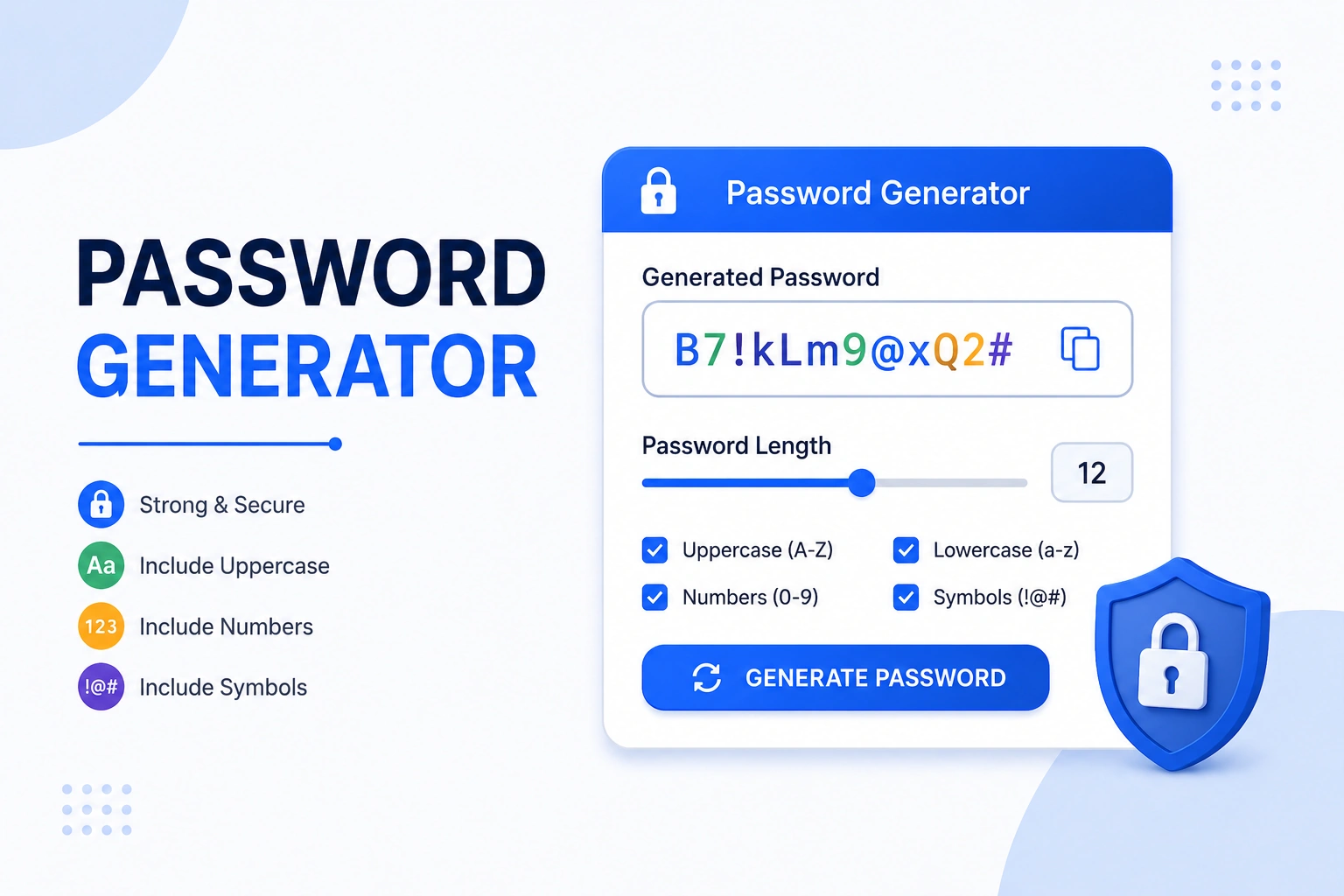
What Is a Password Generator?
A password generator creates random character strings that are far harder to guess than anything a human would choose on their own. Human-created passwords tend to cluster around dictionary words, names, years, and predictable substitutions (like replacing "a" with "@"). A random generator has no such patterns — every character is chosen independently from the full available pool, which is what makes the result genuinely hard to crack.
This generator runs entirely inside your browser using JavaScript's crypto.getRandomValues() API — the same cryptographically secure randomness source browsers use for financial transactions. No password is transmitted to any server, stored in any log, or visible to anyone but you. Close the tab and the password is gone.
How to Use This Generator
- Set the length — drag the slider between 4 and 64 characters. For general accounts, 16 is a good baseline; for high-value accounts (email, banking), use 20+
- Choose character types — all four (lowercase, uppercase, numbers, symbols) are checked by default, giving the largest possible character pool and highest entropy
- Exclude ambiguous characters — check this if you'll be typing the password manually; it removes 0, O, l, 1, and I, which look similar in many fonts
- Exclude specific characters — some sites don't accept certain symbols; type those into the exclusion box and they'll be removed from the pool
- Click "Generate Password" — the result appears instantly with strength rating, entropy, and a copy button
- Use "Generate Multiple" to create 5–50 passwords at once for bulk account setup or team use
window.crypto.getRandomValues() — a CSPRNG (Cryptographically Secure Pseudo-Random Number Generator) built into every modern browser. It produces unpredictable output that cannot be reproduced even by the generator itself. No internet connection is required after the page loads.Password Entropy — The Math Behind Strength
Entropy measures how unpredictable a password is, in bits. Higher entropy means more possible combinations and more time needed to crack the password by brute force. The formula is straightforward:
Password Strength by Length and Character Set
Every entropy figure below is independently calculated using the formula above. Crack-time assumes an attacker running 1 trillion guesses per second (state-of-the-art GPU cluster) and trying an average of half the keyspace:
| Length | 62-char Pool | 92-char Pool | Approx Crack Time (92-char) | Rating |
|---|---|---|---|---|
| 6 | 35.7 bits | 39.1 bits | Seconds to minutes | Weak–Fair |
| 8 | 47.6 bits | 52.2 bits | Hours to days | Fair |
| 10 | 59.5 bits | 65.2 bits | Months | Fair–Strong |
| 12 | 71.5 bits | 78.3 bits | ~5,830 years | Strong |
| 16 | 95.3 bits | 104.4 bits | ~418 billion years | Very Strong |
| 20 | 119.1 bits | 130.5 bits | Astronomically long | Very Strong |
| 32 | 190.5 bits | 208.8 bits | Far exceeds universe age | Very Strong |
Reference: NIST Special Publication 800-63B — Digital Identity Guidelines
7 Common Password Mistakes That Undermine Security
- Using dictionary words. Attackers run dictionary attacks first — testing millions of real words, names, and common phrases before trying random character combinations. A password like "sunshine2024" has far fewer effective bits of entropy than its length suggests because it draws from a known word list.
- Substituting letters with look-alikes. Replacing "a" with "@" or "e" with "3" (called leet speak) is included in standard attack dictionaries. "p@ssw0rd" is no more secure than "password" against a prepared attacker.
- Reusing the same password across sites. When a website is breached, attackers test exposed passwords across other services immediately — a practice called credential stuffing. A unique password per account means a single breach can't cascade.
- Using personal information. Birthdays, pet names, sports teams, and addresses are guessable through social media profiles. Even combining them (e.g., "max2019boston") stays vulnerable because attackers automate personalized guessing.
- Short passwords with "complex" symbols. A 6-character password with all four character types still has only about 39 bits of entropy — crackable in seconds with modern hardware. Length is more protective than complexity at short lengths. "correct-horse-battery-staple" outperforms "P@s$w0rd" by a wide margin.
- Not updating passwords after a breach. Sites like Have I Been Pwned let you check if your email has appeared in a known data breach. If it has, any password from that site should be treated as compromised — regardless of how strong it seemed.
- Storing passwords in plain text. Writing passwords in a notes app, spreadsheet, or email drafts folder creates a single point of failure. A password manager encrypts your vault with a master password using AES-256 — even if the manager's server is breached, only encrypted data is exposed.
Password Managers — Where to Store What This Tool Generates
Generating strong passwords is only useful if you can store and retrieve them securely. Memorizing a 16-character random string is impractical, and writing it on paper defeats the purpose. Password managers solve this by encrypting your passwords locally and syncing them across devices:
| Manager | Free Tier | Encryption | Open Source | Notes |
|---|---|---|---|---|
| Bitwarden | Yes — full features | AES-256 + PBKDF2 | Yes | Best free option; self-host possible |
| 1Password | No (14-day trial) | AES-256 + SRP | No | Strong family/team sharing features |
| KeePass | Yes — fully free | AES-256 / ChaCha20 | Yes | Local only; no cloud sync built-in |
| Dashlane | Limited (1 device) | AES-256 | No | Good dark web monitoring feature |
| Browser built-in | Yes | Platform keychain | Partial | Convenient but tied to one browser ecosystem |
Reference: CISA — Use Strong Passwords | FTC — Online Security
Privacy — How This Generator Protects You
Generating a password on a website carries an inherent risk: if the site logs your password before you see it, your security is compromised from the start. This generator eliminates that risk through three design choices:
- Client-side only. All password generation runs in your browser using JavaScript. No data leaves your device. The page could work offline after the initial load.
- Cryptographically secure randomness. The generator uses
window.crypto.getRandomValues()— the Web Cryptography API specified by the W3C. It draws from the operating system's entropy pool (mouse movement, keyboard timing, hardware noise), not a predictable mathematical formula. - No storage, no logs. Passwords are displayed in the browser DOM and exist only in memory. Refreshing the page, navigating away, or closing the tab destroys them permanently. No cookie, localStorage, or server record is created.
5 Tips for Password Security That Actually Work
- Use 16+ characters for any account that matters. At 16 chars and all character types (entropy 104.4 bits), a brute-force attack would take approximately 418 billion years at 1 trillion guesses per second. Bank accounts, email, and social media deserve this level of protection — not an 8-character minimum.
- Enable two-factor authentication (2FA) alongside a strong password. A password can be phished or stolen even when it's strong. 2FA means an attacker needs both your password and your phone. TOTP apps (Google Authenticator, Authy) are more secure than SMS-based 2FA, which is vulnerable to SIM-swapping attacks.
- Generate a unique password per site — no exceptions. The 2019 Collection #1 breach exposed 773 million email/password pairs. Attackers immediately tested those credentials across major services. With a unique password for every account, a breach at one site has zero impact on any other.
- Your master password for a password manager should be a passphrase, not a random string. The one password you'll type manually should be memorable but long — four to five unrelated words work well (e.g., "maple thunder orbit biscuit"). At 5 common words, the entropy still exceeds 70 bits — stronger than most 12-character random passwords and far easier to remember.
- Check your accounts against breach databases periodically. Even with strong unique passwords, services you use can be breached. Have I Been Pwned (run by security researcher Troy Hunt) lets you check whether your email appeared in any known breach. If it has, change that account's password immediately.
Frequently Asked Questions — Password Generator
window.crypto.getRandomValues(), the same cryptographic API browsers use for financial transactions. No password is sent to any server, stored anywhere, or logged. The generation happens locally in JavaScript, and the password exists only in your browser memory until you close or navigate away.