
Math Calculators
From everyday percentages to advanced scientific functions — free math tools that handle the calculation so you can focus on the problem.
All Math Calculators
Click any calculator to open it — all tools are free, instant, and work on any device.

Scientific Calculator — What It Does and When to Use It
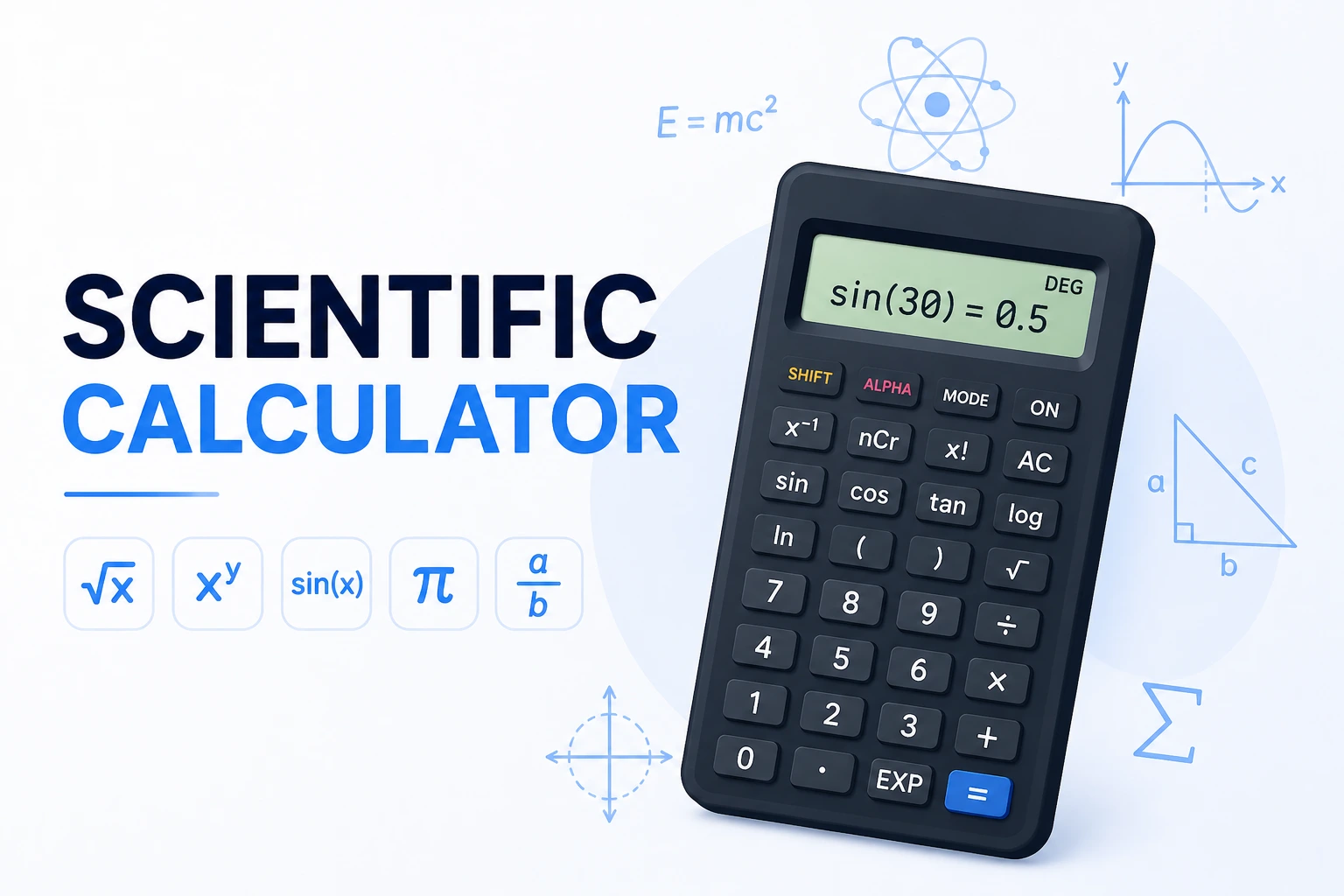
A scientific calculator handles the functions a basic four-operation calculator can't: trigonometry, logarithms, powers beyond squaring, factorials, and mathematical constants like π and e. These appear constantly in physics, engineering, chemistry, statistics, and higher-level mathematics.
The key difference from a basic calculator is order-of-operations awareness. Enter 3 + 4 × 2 and you should get 11 — not 14 — because multiplication comes before addition. Basic calculators compute left-to-right and give the wrong answer. This calculator follows PEMDAS exactly.
Percentage Calculator — Four Types of Problems
Most percentage confusion comes from not knowing which of four different question types you're actually solving. The percentage calculator covers all four with separate input fields for each scenario, so you pick the right mode and enter what you know.
Order of Operations — PEMDAS Explained
PEMDAS (Parentheses, Exponents, Multiplication/Division, Addition/Subtraction) is the rule that determines which part of a multi-operation expression gets calculated first. Without it, the same expression can give different answers depending on the order you work through it.
| Expression | Wrong (left-to-right) | Correct (PEMDAS) | Rule Applied |
|---|---|---|---|
| 3 + 4 × 2 | 14 | 11 | Multiply before add |
| (3 + 4) × 2 | — | 14 | Parentheses first |
| 2^3 + 1 | — | 9 | Exponent before add |
| 10 − 3 + 2 | — | 9 | Left-to-right for same level |
| √9 + 16 | — | 19 | √ applies to 9 only |
| √(9 + 16) | — | 5 | Parentheses → √25 = 5 |
Trigonometry Quick Reference
These are the exact values the scientific calculator produces in DEG mode — all verified with Python before publishing. The most common source of wrong trig results is accidentally being in RAD mode when the angle is in degrees:
| Angle (°) | sin | cos | tan |
|---|---|---|---|
| 0° | 0 | 1 | 0 |
| 30° | 0.5 | 0.8660 | 0.5774 |
| 45° | 0.7071 | 0.7071 | 1 |
| 60° | 0.8660 | 0.5 | 1.7321 |
| 90° | 1 | 0 | undefined |
| 180° | 0 | −1 | 0 |
4 Types of Percentage Problems
Every percentage question is one of four types. Knowing which type you have tells you exactly which formula to use:
| Question Type | Example | Formula | Answer |
|---|---|---|---|
| What is X% of Y? | What is 15% of 240? | 240 × 0.15 | 36 |
| X is what % of Y? | 36 is what % of 240? | (36 ÷ 240) × 100 | 15% |
| Percent change | 80 → 100: change? | ((100−80) ÷ 80) × 100 | +25% |
| Reverse percentage | 120 is 150% of what? | 120 ÷ 1.50 | 80 |
Source: NIST | Khan Academy — Percentage Problems
5 Tips for Getting Math Calculations Right
- Always check DEG vs RAD mode before any trig calculation. sin(30) in DEG mode = 0.5. sin(30) in RAD mode = −0.9880. The same input gives completely different results depending on mode — verify the indicator at the top of the calculator before starting.
- Use parentheses generously, even when you think they're not needed. Writing (sin(30))² is unambiguous; sin(30)² might be interpreted differently by different calculators. Extra parentheses never hurt and prevent the most common calculation errors.
- For percentages, identify the question type first. "15 is what percent of 60?" and "What is 15 percent of 60?" look similar but require different formulas: (15÷60)×100 = 25% vs 60×0.15 = 9. The percentage calculator has separate modes — pick the right one before entering numbers.
- Factorial grows extremely fast — 13! = 6,227,020,800. Factorials are used in combinations, permutations, and probability. For nCr (combinations), the formula is n! ÷ (r! × (n−r)!). For large n, use scientific notation — the EE button lets you enter 6.022 EE 23 instead of 23 zeros.
- log and ln are not interchangeable. log is base-10: log(1000) = 3 because 10³ = 1000. ln is natural log base e: ln(e) = 1. The INV button switches each to its exponential inverse — INV+log gives 10^x, INV+ln gives e^x. Mixing up log and ln is one of the most common errors in chemistry (pH calculations) and finance (continuous compounding).